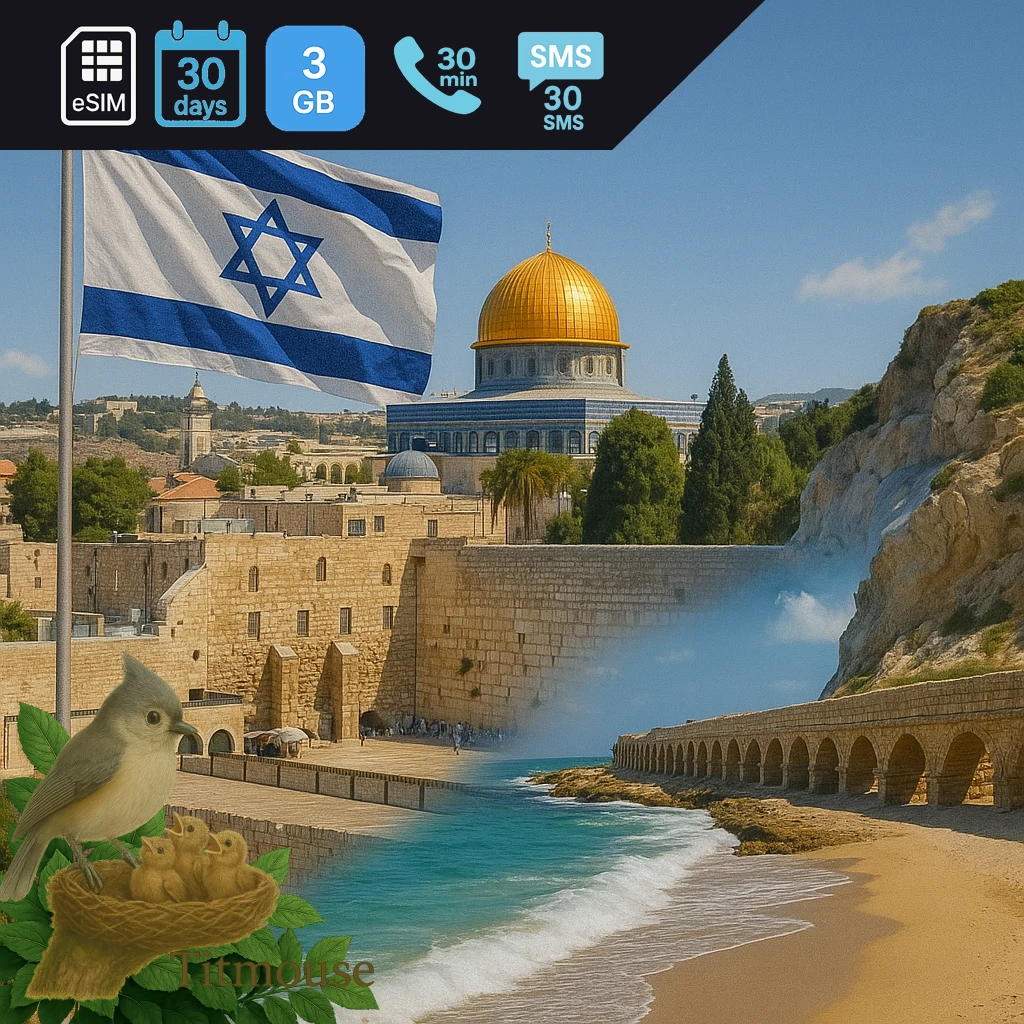
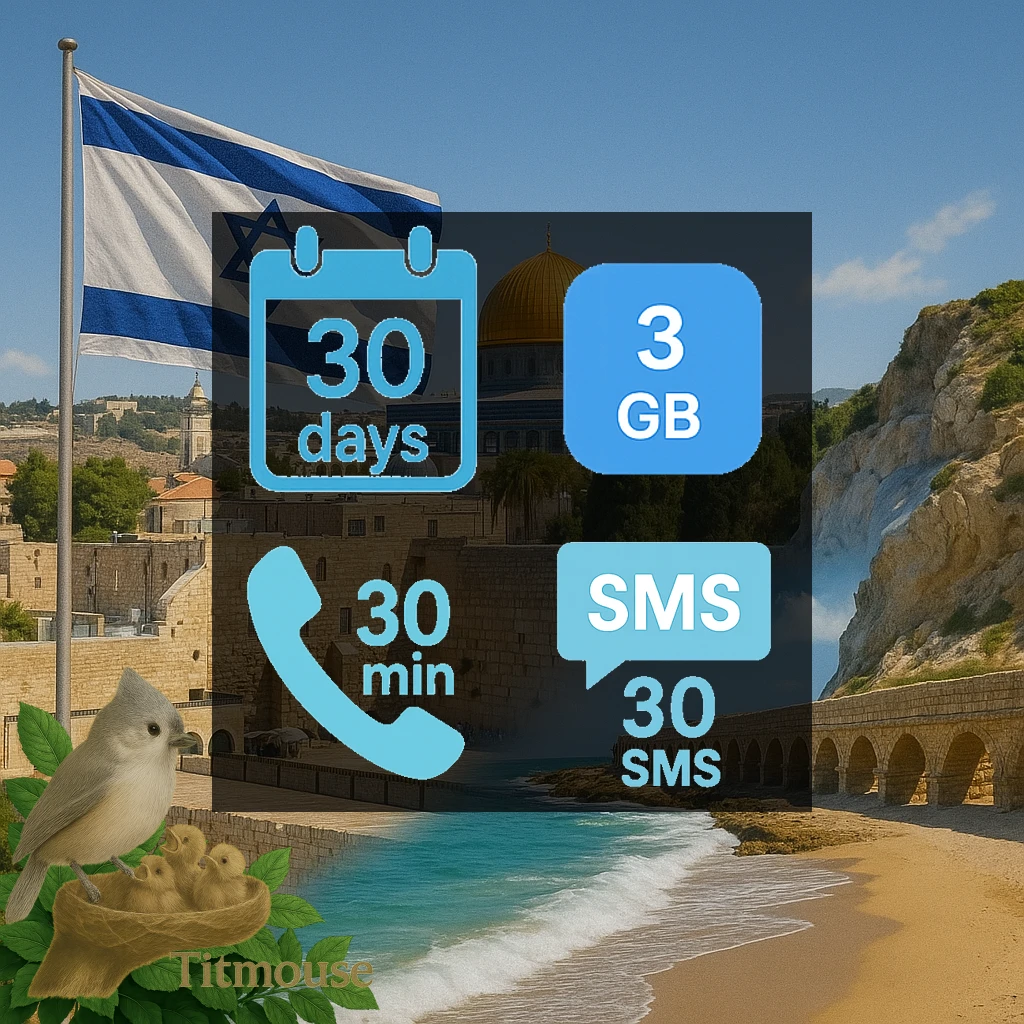

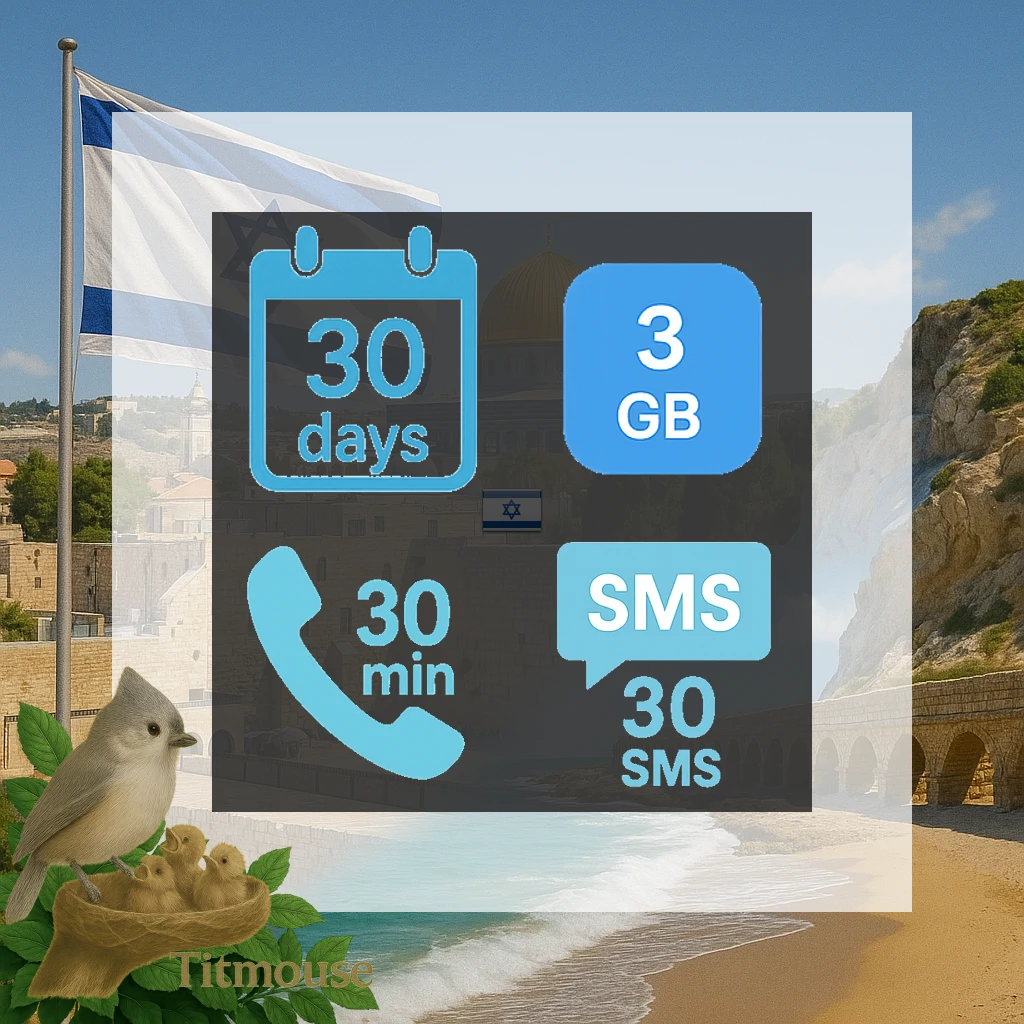
Israel - 3 GB - 30 SMS - 30 Mins - 30 days
3 GB - 30 SMS - 30 Mins - 30 days
$14.82
$24.70 You save 40%
$4.94 per GB
$0.49 per day
Data + Voice/SMS
30 min
30 SMS
3 GB - 30 SMS - 30 Mins - 30 days Get 3 GB of high-speed data for your travel needs. Perfect for travel in Israel. Valid for 30 days once activated. You have 90 days to activate after purchase. Enjoy 5G network speeds for fast and reliable connectivity. Connects via Annatel network for reliable coverage. Supports top-up options to extend your data when needed. Instant delivery via email - no physical SIM required. Simply scan the QR code to get connected.
Available Top-up Plans
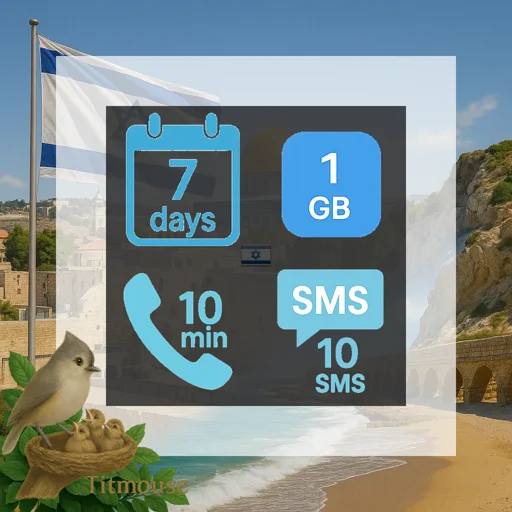
Israel - 1 GB - 10 SMS - 10 Mins - 7 days
$5.50 -52%
$11.70
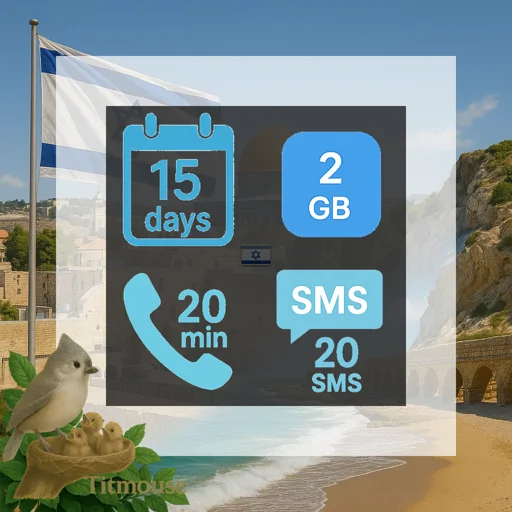
Israel - 2 GB - 20 SMS - 20 Mins - 15 days
$11.70 -40%
$19.50
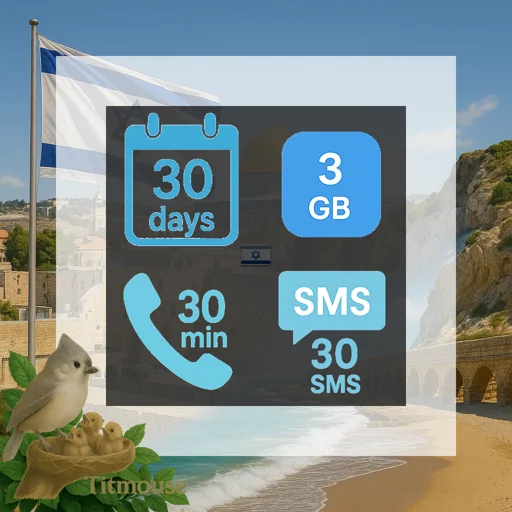
Israel - 3 GB - 30 SMS - 30 Mins - 30 days
$14.82 -40%
$24.70
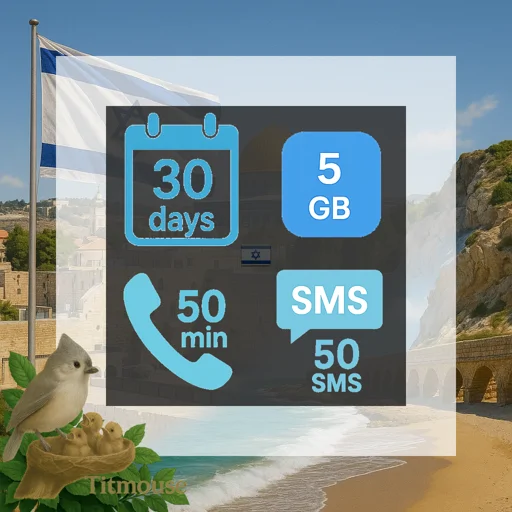
Israel - 5 GB - 50 SMS - 50 Mins - 30 days
$19.44 -40%
$32.40
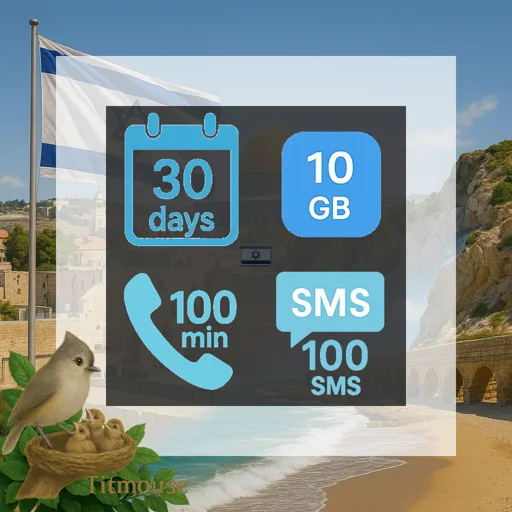
Israel - 10 GB - 100 SMS - 100 Mins - 30 days
$29.04 -40%
$48.40
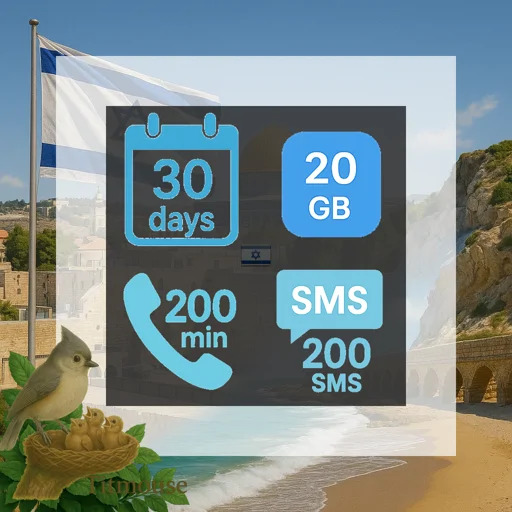
Israel - 20 GB - 200 SMS - 200 Mins - 30 days
$44.88 -40%
$74.80
Product specification
Phone Calls
30 min
How many minutes of phone calls are included.
SMS Included
30 SMS
How many text messages you can send.
eSIM Coverage
Loading coverage information...
Coverage
Supported Countries
Key Features
Detailed Specifications
Phone Calls
30 min
About this feature: How many minutes of phone calls are included.
SMS Included
30 SMS
About this feature: How many text messages you can send.
Data Included
3 GB
About this feature: How much mobile data you get with this plan.
Data Plan Type
Fixed amount
About this feature: Whether you get all data at once or a daily amount.
Details: This eSIM plan provides a fixed amount of data. Once you use all the data, you won't be able to access the internet until the plan resets or you purchase additional data.
Activation Deadline
90 days
About this feature: How long you have to start using your eSIM after buying it.
Valid For
30 day
About this feature: How long your plan will work after you activate it.
Coverage Area
About this feature: The countries or regions where this eSIM works.
How to Activate
First network connection
About this feature: Whether your eSIM starts automatically or you need to activate it.
Details: This eSIM will activate when you first connect to a mobile network. The plan duration starts when you make your first network connection, giving you more control over when to start using your plan.
Internet Speed
5G
About this feature: How fast your internet will be (3G, 4G, or 5G).
Available Networks
Loading network operators...
About this feature: Detailed information about which mobile networks you can use in each country.
Internet Location
About this feature: Which country your internet connection will appear to be from.
Can Add More Data
Yes
About this feature: Whether you can buy more data if you run out.
Details: This eSIM plan supports top-up/recharge functionality. You can add more data or extend the validity period without needing to purchase a completely new plan.
Days Valid
30
About this feature: How many days your plan will work.
Plan Category
data-voice-text
About this feature: What category this plan belongs to.
Service Type
eSim Base Plan
About this feature: What services this plan provides (data, calls, texts).
Details: This is a standard eSIM plan that provides mobile data connectivity for internet access.
Pay in Advance
False
About this feature: Whether you pay before using (prepaid) or after (postpaid).
Network Provider Info
5G Data-only eSIM., Rechargeable online with no expiry., Operates on the Annatel network in Israel.
About this feature: Details about the company providing your mobile service.
Additional Details
The validity period starts once the eSIM connects to any supported network. You must activate the eSIM within 90 days of purchase. Only local calls are supported.
About this feature: Other helpful information about this plan.
Connection Type
automatic
About this feature: Technical setting for how your phone connects to the internet.
Unlimited Data
No
About this feature: Whether this plan gives you unlimited internet. Note that unlimited plans may be subject to Fair Usage Policy (FUP) restrictions.
Details: This eSIM plan has a fixed data allowance. Once you use all the data, you cannot access the internet until the plan resets or you purchase additional data.
ID Verification Required
Not Required
About this feature: Whether you need to verify your identity to use this plan.
Details: This eSIM plan does not require identity verification. You can use it immediately without providing identification documents.
QR Code Setup
eSIM name: Annatel
Coverage: Israel
To activate the eSIM by scanning the QR code on your eSIM capable device you need to print or display this QR code on other device:
- Settings > Cellular/Mobile > Add Cellular/Mobile Plan.
- Scan QR code.
- Confirm eSIM plan details.
- Label the eSIM.
To access Data:
If you use an Android device, you might need to manually update your APN settings.
- Locate the APN settings in your settings menu.
- Update the APN to "annatel".
To use Hotspot/Tethering feature on your iOS device:
- Locate the Personal Hotspot APN setting in your settings menu.
- Update the Personal Hotspot APN to "annatel".
About this feature: How to set up your eSIM by scanning a QR code.
Manual Setup
eSIM name: Annatel
Coverage: Israel
To manually activate the eSIM on your eSIM capable device:
- Settings > Cellular/Mobile > Add Cellular/Mobile Plan.
- Manually enter the SM-DP+ Address and activation code.
- Confirm eSIM plan details.
- Label the eSIM.
To access Data:
If you use an Android device, you might need to manually update your APN settings.
- Locate the APN settings in your settings menu.
- Update the APN to "annatel".
To use Hotspot/Tethering feature on your iOS device:
- Locate the Personal Hotspot APN setting in your settings menu.
- Update the Personal Hotspot APN to "annatel".
About this feature: How to set up your eSIM by entering settings manually.
Roaming Required
False
About this feature: Whether you need to enable roaming in your phone settings to use this eSIM.
Hotspot / Tethering
Yes
About this feature: Whether this eSIM plan supports using your phone as a Wi-Fi hotspot to share your data connection with other devices.
Customer reviews
★★★★★
Same destination
No problem,worked as s charm
By zvi blau · 20 dagen geleden